Learn how to build a custom WordPress site for your business with this step-by-step guide covering planning, theme selection, development, testing, and launch.
Build custom WordPress sites for business growth: A guide
TL;DR:
- Custom WordPress development provides tailored functionality and unique branding for small businesses.
- Proper planning and choosing lightweight themes are crucial for performance and scalability.
- Ongoing maintenance and lean architecture ensure long-term site success and security.
Generic websites are a quiet frustration for many small business owners. You pick a template, squeeze your brand into it, and end up with something that looks like every other site in your sector. The problem is not just aesthetic. Off-the-shelf solutions often lack the specific functionality your business actually needs, whether that is a tailored booking system, a portfolio with custom filtering, or product pages built around your exact catalogue. Custom WordPress development solves this directly. This guide walks through every stage of the process, from planning and theme selection through to testing, launch, and long-term maintenance, so you can build a site that genuinely works for your business.
Table of Contents
- Getting started: Requirements and planning
- Choosing your base theme and setup
- Design and build: Custom theme, fields, and functionality
- Testing, launch and ongoing maintenance
- What most WordPress guides miss: Building for long-term business success
- Work with a custom WordPress specialist for best results
- Frequently asked questions
Key Takeaways
| Point | Details |
|---|---|
| Plan before you build | Careful planning and requirements gathering ensures your custom WordPress site meets your business needs. |
| Choose lightweight themes | A starter theme and minimal plugins lay the groundwork for fast, scalable business websites. |
| Custom features with ACF | Advanced Custom Fields and custom post types let you create business-specific functionality that generic sites cannot. |
| Rigorous testing is key | Thorough testing and maintenance extend the life and reliability of your WordPress site. |
| Performance drives success | Optimising for speed, Core Web Vitals, and security delivers superior results and business growth. |
Getting started: Requirements and planning
With the reasons for a customised approach in mind, let’s focus on what you’ll need to begin. The single biggest mistake in custom WordPress projects is skipping the planning stage. Developers and business owners alike rush to install WordPress and start picking colours before anyone has written down what the site actually needs to do. That costs time and money later.
Start by defining your business goals in plain language. Are you trying to generate leads, sell products, showcase work, or book appointments? Each goal shapes a completely different site architecture. Once goals are clear, you can map out the features required to achieve them, which informs every decision that follows.
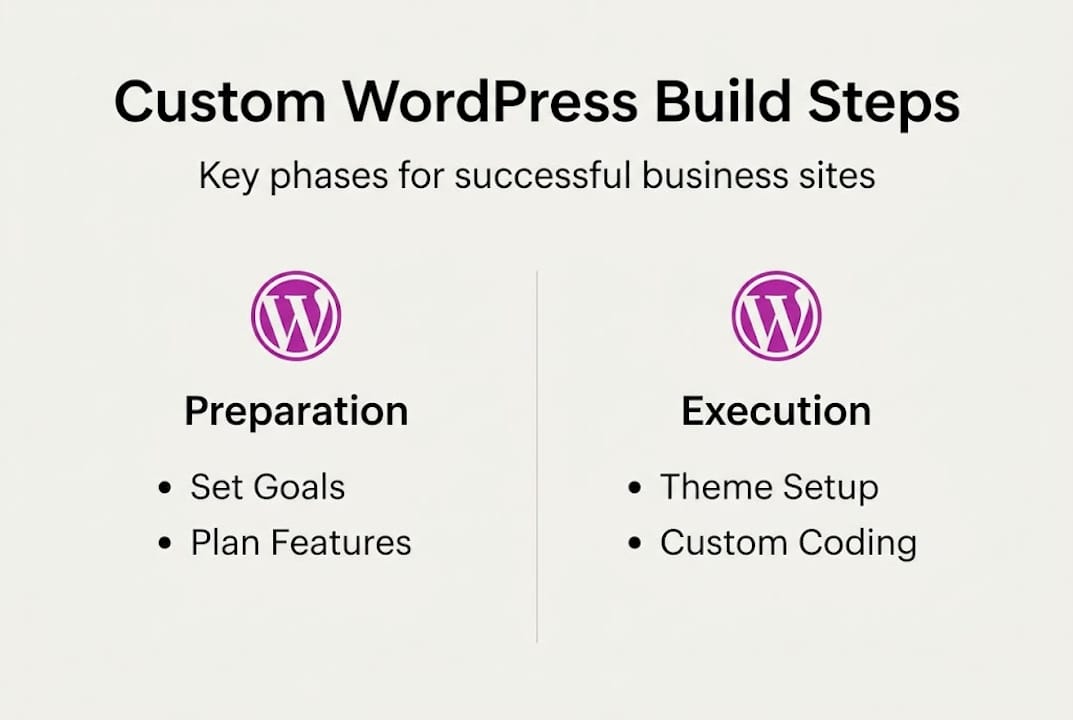
The custom development phases follow a well-established methodology: define goals and requirements, plan features and site map, design UI/UX with wireframes, develop a custom theme or child theme with any needed plugins, test thoroughly, then deploy and maintain. Skipping any phase creates problems downstream.
If you are launching with WordPress for the first time, it is worth reviewing [web design best practices](https://www.richharrington.dev/article/understanding-the-web-design landscape in swindon) before committing to a structure. A solid site map, drawn even as a simple diagram, prevents feature creep and keeps the project focused.
Tools, skills, and planning materials needed
| Area | What you need |
|---|---|
| Hosting | Reliable managed WordPress host or VPS |
| Local environment | LocalWP, DDEV, or Docker |
| Version control | Git with a private repository |
| Design tools | Figma or Adobe XD for wireframes |
| Planning | Site map, user flow diagrams, content inventory |
| Skills | PHP basics, HTML/CSS, WordPress template hierarchy |
Core requirements to gather before you start:
- A written list of every page and its purpose
- Brand assets: logo files, colour palette, typography choices
- Content: copy, images, and any existing media
- Third-party integrations needed (CRM, booking tools, payment gateways)
- Accessibility and performance targets
- Budget and timeline agreed upfront
Spending a week on planning can save several weeks of rework. It is genuinely the highest-return activity in any custom build.
Choosing your base theme and setup
Once requirements are clear, choosing the right foundation ensures your site is scalable and fast. The theme you start with shapes everything: page speed, code quality, and how easily a developer can extend the design without fighting the framework.
For custom development, lightweight starter themes are the right choice. Performance-optimised WordPress builds favour themes like Underscores, GeneratePress blank, or block themes such as Twenty Twenty-Five, specifically because they add minimal overhead. Page builders like Elementor or Divi are popular, but they introduce significant performance costs through bloated markup and render-blocking scripts.
Starter theme comparison
| Theme | Best for | Performance | Flexibility |
|---|---|---|---|
| Underscores (_s) | Classic PHP theme development | Excellent | Very high |
| GeneratePress blank | Rapid custom builds | Excellent | High |
| Twenty Twenty-Five | Block-based/FSE development | Very good | High (with patterns) |
| Elementor Hello | Elementor-based projects | Moderate | Moderate |
The table makes the trade-offs clear. If your goal is a bespoke, fast-loading business site, the first three options are the right starting point. Elementor Hello is listed for context, but it ties you to a page builder ecosystem that limits long-term performance.
Pro Tip: Resist the temptation to install a page builder because it feels faster at the start. The speed gain disappears quickly, and the performance cost compounds as the site grows. A clean custom theme built on Underscores or GeneratePress will always outperform a page-builder site on Core Web Vitals.
Essential setup steps for a maintainable site:
- Install WordPress locally before touching live hosting
- Set up version control immediately, before writing a single line of code
- Install only the plugins you have confirmed you need
- Configure a staging environment that mirrors production
- Document your setup so any developer can pick it up cleanly
For more detail on keeping your site lean and fast, the guide on optimising WordPress performance covers the technical specifics in depth.
Design and build: Custom theme, fields, and functionality
With your base theme chosen, it’s time to design and build your custom features. This is where the real differentiation happens, and where most generic website solutions simply cannot compete.
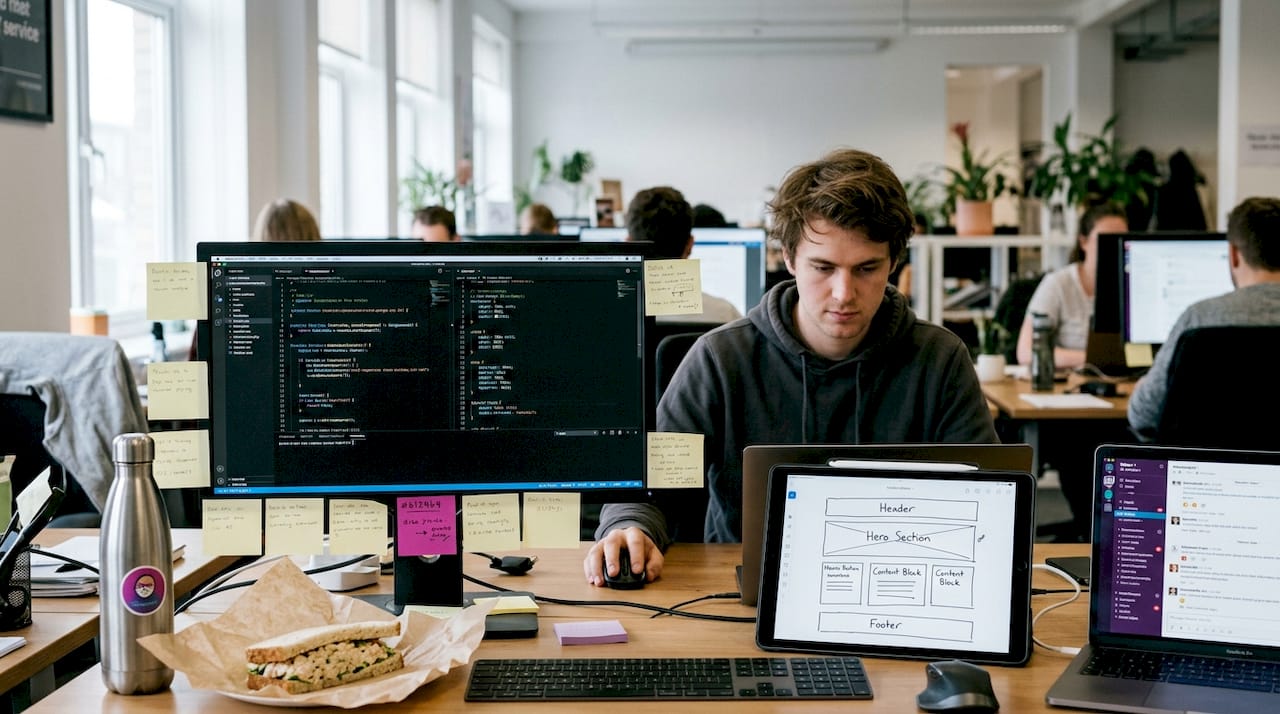
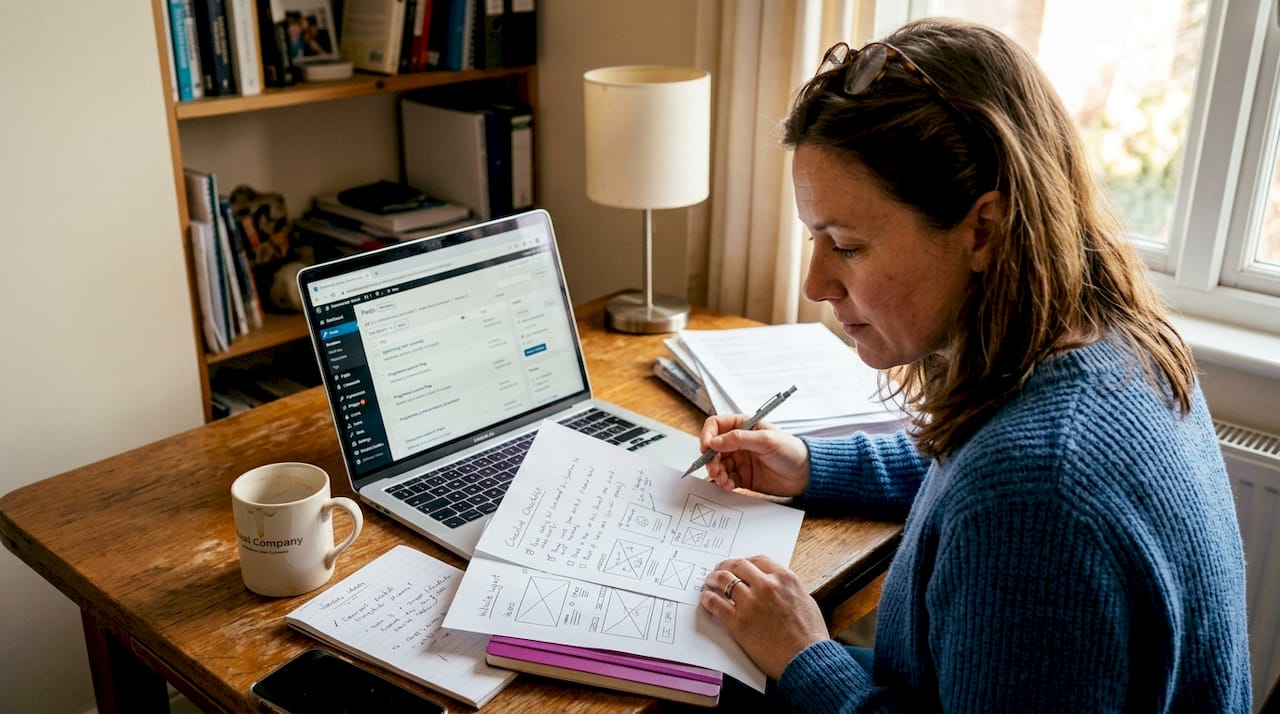
Begin with wireframes. These do not need to be pixel-perfect; they need to communicate layout, content hierarchy, and user flow. Sketch the journey a visitor takes from landing page to conversion point. Map every click. This process often reveals missing pages or unnecessary complexity before a single line of code is written.
Building a child theme on your chosen starter keeps your customisations separate from the parent theme’s core files. This matters enormously when the parent theme updates. Your styles, template overrides, and functions live in the child theme and remain untouched.
The real power of WordPress for business sites comes from custom theme mechanics: custom post types (CPTs), Advanced Custom Fields (ACF), and hooks (actions and filters). CPTs let you create structured content types beyond posts and pages. A portfolio, a testimonials section, a team directory, or a property listing all work far better as CPTs than as standard pages. ACF then adds the specific fields each content type needs, keeping data structured and editors happy.
Hooks are equally important. Actions let you inject functionality at specific points in WordPress’s execution without editing core files. Filters let you modify output cleanly. Together, they give you precise control over behaviour without the fragility that comes from hacking core or plugin code.
Step-by-step: Building your custom functionality
- Create a child theme and enqueue your custom stylesheet
- Register custom post types in functions.php or a dedicated plugin
- Install ACF and define field groups for each CPT
- Build template files for each CPT archive and single view
- Use action and filter hooks to add or modify functionality
- Add custom navigation menus, widget areas, and template parts
Build only what the brief requires. Every feature you add is a feature you must maintain, test, and secure. Restraint is a design skill.
Pro Tip: Before adding a plugin for any feature, check whether it can be achieved with a small custom function. Plugins add maintenance overhead. A 20-line function in your child theme’s functions.php is often cleaner, faster, and easier to control.
For inspiration on what a well-structured custom build looks like in practice, the custom functionality example in the project portfolio shows how bespoke features translate into real business value. Reviewing [site design principles](https://www.richharrington.dev/article/understanding-the-web-design landscape in swindon) alongside the build process keeps the user experience sharp throughout.
Testing, launch and ongoing maintenance
After designing and building your custom site features, rigorous testing and proper maintenance ensure long-term reliability. Launching without thorough testing is one of the most common and costly mistakes in web development.
Test across multiple browsers (Chrome, Firefox, Safari, Edge) and devices (desktop, tablet, mobile). Check every form submission, every link, every dynamic element. Run the site through Google PageSpeed Insights and aim for scores above 90 on both mobile and desktop. Check accessibility using a tool like WAVE or Axe.
As the testing before launch standard methodology confirms, thorough testing and ongoing maintenance are the final and most critical phase of any custom build. Skipping this stage puts your business reputation at risk.
Launch process: Staging to production
- Complete all testing on a staging environment
- Back up the staging database and files
- Point DNS to the production server
- Migrate files and database to production
- Update all URLs using WP-CLI search-replace
- Test every page and form on the live site immediately after migration
- Submit the sitemap to Google Search Console
Security is not optional. An unpatched WordPress site is a liability. Treat updates as a business-critical task, not an afterthought.
Ongoing maintenance tasks:
- Update WordPress core, themes, and plugins monthly at minimum
- Run automated daily backups stored offsite
- Monitor uptime and Core Web Vitals continuously
- Review security logs and block suspicious activity
- Audit content and broken links quarterly
For a structured approach to keeping your site healthy, maintenance best practices and the launch performance checklist are both worth bookmarking before you go live.
What most WordPress guides miss: Building for long-term business success
Most WordPress guides focus on getting a site live. Very few focus on what happens six months later, when the plugin that powers your contact forms stops receiving updates, or when your page-builder-based site starts failing Core Web Vitals and your search rankings drop.
The performance-first approach is clear: start with a custom child theme on a lightweight base, use minimal plugins, and scale to custom plugins or even a headless architecture only when the business genuinely requires it. Prioritise Core Web Vitals from day one, not as a retrofit.
Plugin overload is a silent killer. Every plugin you add is a potential security vulnerability, a performance drag, and a future compatibility problem. Businesses that build lean from the start spend far less on maintenance and far more on growth.
Real-world experience from projects involving real-world optimisation consistently shows the same pattern: the sites that perform best long-term are the ones built with the least unnecessary complexity. If you are considering a more advanced architecture, the decoupled WordPress option is worth understanding before you commit to a traditional setup.
Build for the business you want in two years, not just the one you have today.
Work with a custom WordPress specialist for best results
If you’re seeking expert support to get the most from your custom WordPress site, professional help is available. Building a site that genuinely performs, converts, and scales takes more than following a guide. It takes experience across dozens of real projects.
Rich Harrington offers a custom website service built around your specific business goals, not a template. Whether you need a clean brochure site or a complex platform with custom post types, API integrations, and bespoke functionality, the work is scoped and delivered with clarity. You can review a recent business site in the portfolio to see the standard of work, or schedule a consultation to discuss your project directly. No obligation, just a straightforward conversation about what you need.
Frequently asked questions
How long does it take to build a custom WordPress site?
Most custom WordPress sites take 4 to 15 weeks depending on the complexity of features, the volume of content, and how quickly decisions are made during the design phase.
What is the best theme for custom WordPress development?
Lightweight starter themes such as Underscores, GeneratePress blank, or block themes like Twenty Twenty-Five are the strongest choices, as they add minimal code overhead and give developers full control.
Which plugins are essential for custom WordPress sites?
Advanced Custom Fields is the most consistently essential plugin for custom builds. Beyond that, keep your plugin count as low as possible and evaluate each addition carefully before installing.
How do you ensure performance and security on a custom site?
Use a lightweight theme with minimal plugins, monitor Core Web Vitals from launch, run regular security updates, and store daily backups offsite. These four habits cover the majority of performance and security risks.
Recommended
- How WordPress empowers startups to launch and scale | Rich Harrington
- Web Design Swindon | Rich Harrington - Custom Website Development
- Headless WordPress: When to Decouple Your CMS | Rich Harrington
- Rich Harrington | Full-Stack Developer & WordPress Expert
- Expert WordPress Consultancy Services - WPCTO