Learn how a structured custom web development process saves money, prevents costly errors, and delivers a website built precisely for your business goals.
Streamline your custom web development process: 10x savings

A poorly managed web project can quietly drain your budget, delay your launch, and leave you with a site that simply does not do what your business needs. Many small and mid-sized businesses discover this the hard way, investing thousands into a build that misses the mark because nobody defined success clearly at the start. The good news is that a structured, custom web development process removes that uncertainty entirely. This guide walks you through every stage, from initial planning to post-launch monitoring, so you can protect your investment, move faster, and get a website that genuinely works for your business.
Table of Contents
- Understanding the custom web development process
- Preparing your project: defining success and requirements
- Step-by-step: executing your custom web development project
- Validating, launching, and future-proofing your site
- Common mistakes and troubleshooting
- Bring your web vision to life with expert support
- Frequently asked questions
Key Takeaways
| Point | Details |
|---|---|
| Prioritise detailed planning | A strong foundation prevents expensive setbacks and keeps your project on track. |
| Design for the unexpected | Anticipating edge cases and accessibility needs ensures every user’s experience is smooth and problem-free. |
| Choose the right process model | Adapting your methodology to your project’s complexity makes delivery faster and more predictable. |
| Test rigorously before launch | Comprehensive testing saves money and maintains business credibility online. |
Understanding the custom web development process
Off-the-shelf website templates are tempting. They are quick, cheap, and look polished in a demo. But they are built for everyone, which means they are optimised for no one in particular. When your business has specific workflows, unique customer journeys, or integration requirements, a generic template creates friction rather than removing it.
Custom web development adapts to your business rather than forcing your business to adapt to it. That distinction matters enormously when you are trying to scale, automate, or differentiate yourself from competitors. The process itself follows a clear sequence of stages, each one building on the last:
- Discovery and scoping: Understanding your goals, users, and constraints
- Architecture and design: Planning structure, user flows, and visual identity
- Development: Writing clean, maintainable code against agreed specifications
- Testing and quality assurance (QA): Catching problems before they reach real users
- Launch and handover: Deploying safely with minimal disruption
- Ongoing support: Monitoring, iterating, and improving over time
One of the most compelling reasons to follow this process rigorously is the cost of getting it wrong. Fixing issues in production is up to 10 times more costly than addressing them early. That is not a minor inconvenience. For a small business, a post-launch bug that breaks checkout or corrupts customer data can mean lost revenue, damaged reputation, and emergency developer fees all at once.
Here is a quick comparison of the standard template approach versus a custom development process:
| Factor | Template approach | Custom development |
|---|---|---|
| Flexibility | Low | High |
| Scalability | Limited | Built to grow |
| Integration capability | Basic plugins only | Full API and system integration |
| Long-term cost | Higher (workarounds) | Lower (built right first time) |
| Alignment to business goals | Generic | Precise |
Understanding common edge case scenarios early in the process is also critical. These are the unusual but real situations your site must handle, such as a user with a very long name, a customer on a slow mobile connection, or someone accessing your site with a screen reader. Designing for real-life user behaviour from the outset prevents costly retrofitting later.
Preparing your project: defining success and requirements
Once the benefits and structure of custom web development are clear, preparation is your foundation for later success. This stage is where most projects either gain momentum or quietly begin to fail.
Start by writing down what success looks like in concrete terms. Not “a better website” but rather “a site that converts 5% of visitors into enquiries” or “an e-commerce platform that processes 200 orders per day without manual intervention.” Specific goals create measurable outcomes and give your developer something to build towards.
Next, gather your functional and business requirements. Think of this as your project brief. It should cover:
- Core features: What must the site do on day one?
- User types: Who will use the site and what do they need?
- Integrations: Which third-party tools, CRMs, or payment systems must connect?
- Content requirements: How much content exists and who will manage it?
- Performance expectations: Load speed targets, uptime requirements, and traffic estimates
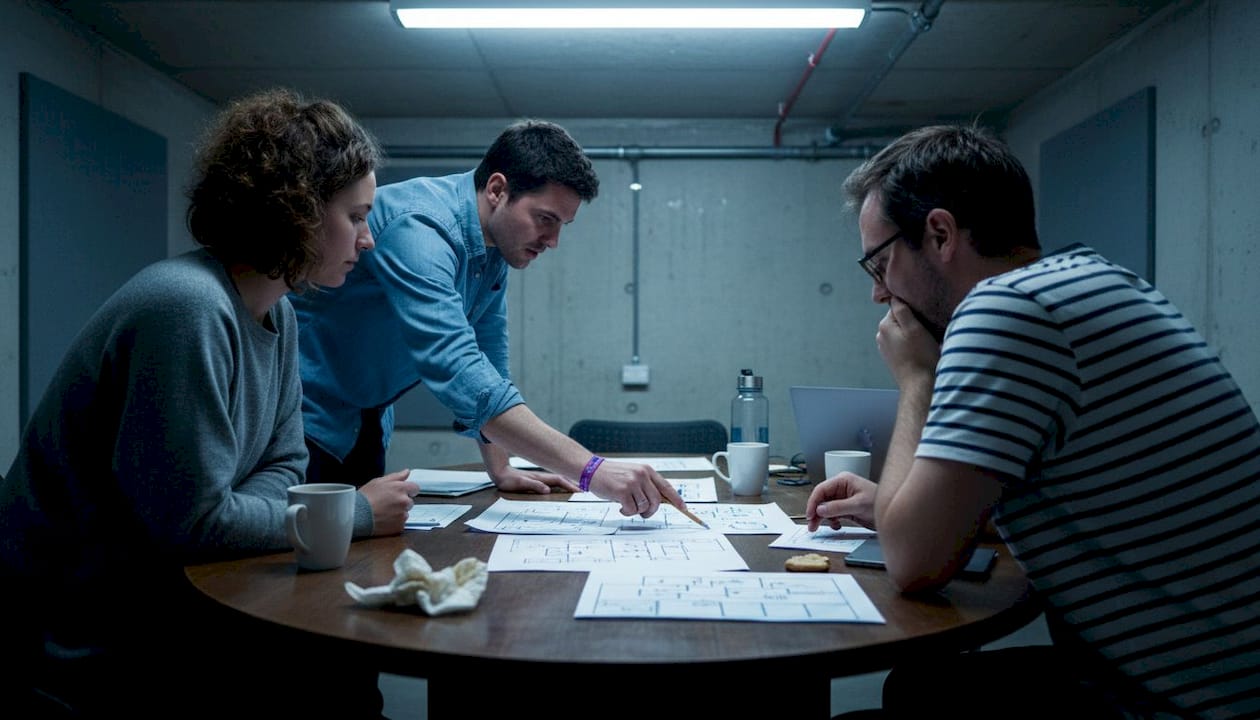
Design must factor in rare user events and atypical scenarios from day one. This means thinking about what happens when a user enters an unusually formatted postcode, tries to register with a name that contains special characters, or loses their internet connection mid-checkout. These are not hypothetical edge cases. They happen every day.
Here is a sample requirements table to help you structure your thinking:
| Requirement | Priority | Notes |
|---|---|---|
| Mobile-responsive design | Essential | 60%+ of traffic is mobile |
| Payment gateway integration | Essential | Stripe or PayPal preferred |
| CRM sync | High | Must connect to existing HubSpot account |
| Accessibility (WCAG 2.1 AA) | High | Legal and ethical obligation |
| Multi-language support | Medium | Future phase, plan for it now |
Pro Tip: Always include scalability in your requirements document. A site built for 500 monthly visitors that suddenly receives 50,000 will buckle under pressure. Designing for growth from the start is far cheaper than rebuilding later.
Step-by-step: executing your custom web development project
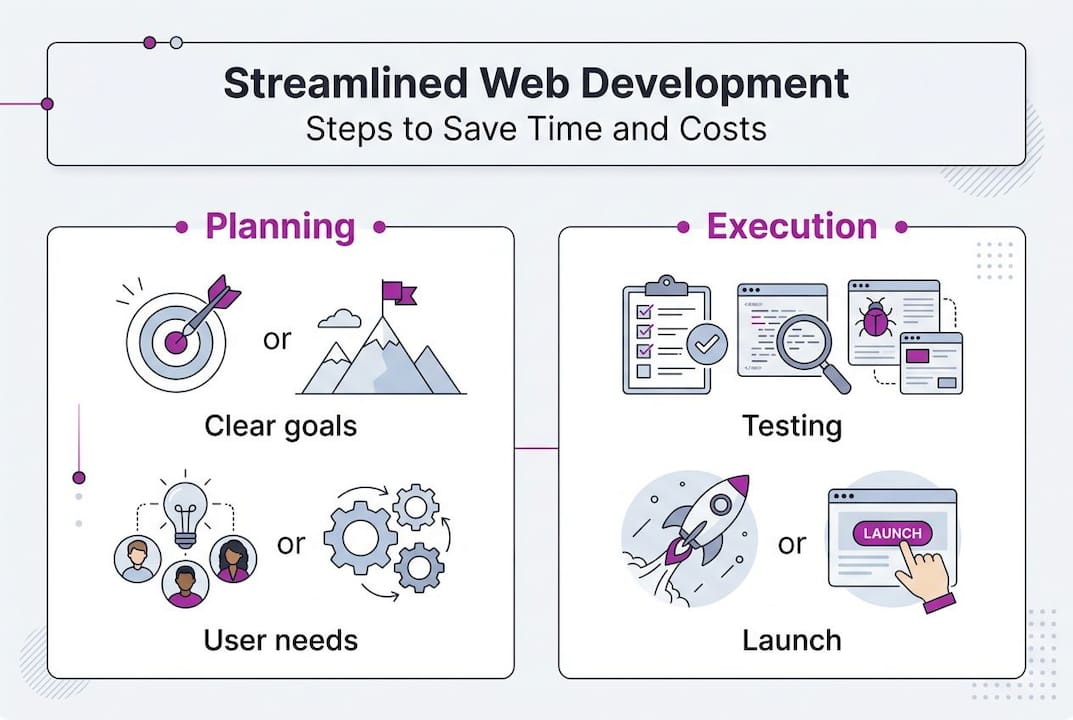
Preparation done, you will now move into active project execution. Here is how each stage works in practice.
- Planning and scoping: Finalise timelines, assign responsibilities, and agree on deliverables. This is where your requirements document becomes a project plan.
- Prototyping and design: Wireframes and mockups are created before a single line of code is written. This lets you validate the user experience cheaply and quickly.
- Development sprints: Code is written in focused cycles, with regular check-ins to ensure alignment with your goals.
- Testing and QA: Every feature is tested against requirements, including edge cases, accessibility standards, and performance benchmarks.
- Deployment: The site goes live using a controlled process, often with a staging environment to catch last-minute issues.
- Review and iteration: Post-launch, the team reviews performance data and addresses any emerging issues.
Choosing the right methodology matters. Waterfall works well for projects with fixed, well-understood requirements. Agile suits projects where requirements evolve. In practice, hybrid models like Water-Scrum-Fall are common because they balance predictability with flexibility, giving you a clear roadmap while allowing for sensible adjustments along the way.
You can see how these methodologies play out in real-world web project examples across different industries and business sizes.
Pro Tip: Start with a minimum viable version of your most critical feature and test it against real users before building everything else. This surfaces problems early, when they are cheap to fix, rather than after months of development.
Warning: Underestimating QA is one of the most expensive mistakes a business can make. Skipping or rushing testing to hit a launch date almost always results in post-launch fixes that cost significantly more in time, money, and customer trust than the time saved.
Validating, launching, and future-proofing your site
With execution complete, success hinges on final checks and thinking ahead to future growth. This stage is not a formality. It is where you confirm that everything you built actually works for real people in real conditions.
Your pre-launch checklist should cover:
- Functionality testing: Every button, form, and user journey works as intended
- Edge case validation: Unusual inputs and scenarios are handled gracefully
- Accessibility audit: The site meets WCAG 2.1 AA standards as a minimum
- Performance testing: Pages load within acceptable times on both desktop and mobile
- Security review: Forms are protected, data is encrypted, and vulnerabilities are patched
- Cross-browser and cross-device checks: The site works consistently across Chrome, Safari, Firefox, and Edge
Neglecting accessibility or edge cases in testing can result in poor usability and missed revenue. A checkout that fails for users on older Android devices, or a contact form that rejects valid email addresses, will cost you customers silently and steadily.
For the launch itself, use a staged rollout where possible. Deploy to a staging environment first, run final checks, then switch over with a clear rollback plan in place. After launch, set up monitoring tools to track uptime, error rates, and user behaviour. Schedule a formal review at 30 and 90 days post-launch to assess performance against your original success criteria.
Common mistakes and troubleshooting
Even the best-planned projects can falter. Here is how to avoid and fix the most costly mistakes.
The most common errors in custom web development projects are:
- Vague requirements: If you cannot describe what you need precisely, the developer cannot build it precisely
- Poor communication: Infrequent updates and unclear feedback loops lead to misaligned expectations
- Neglecting edge cases: Edge cases occur daily and must be anticipated from the start, not patched after complaints arrive
- Skipping QA: Rushing to launch without thorough testing is a false economy
- Scope creep: Adding features mid-build without adjusting timelines or budgets derails projects reliably
If your project is already in trouble, start by auditing your requirements document against what has been built. Identify the gaps. Then prioritise fixes by business impact, not by what is easiest to resolve. Establish a clear feedback channel between you and your developer, with written records of every decision.
Pro Tip: Maintain a living document that logs every change request, decision, and sign-off throughout the project. This single habit prevents the majority of disputes and misunderstandings that derail web projects.
Exploring edge case scenarios in practice can also help you build a more resilient brief before development begins, reducing the risk of surprises mid-build.
Bring your web vision to life with expert support
For business owners who want reliable results and less headache, a partner can make all the difference. Navigating the complexity of a custom web project, from scoping edge cases to choosing the right methodology, is significantly easier when you are working with someone who has done it hundreds of times before.
With over 22 years of hands-on experience, Rich Harrington brings the technical depth of a senior engineer and the communication skills to work directly with non-technical stakeholders. Whether you need a fixed-price website package or a fully bespoke build, the custom web development services at richharrington.dev are designed to fit your business, not the other way around. Book a discovery session or browse the portfolio to see what a well-executed project actually looks like.
Frequently asked questions
Why is a custom web development process important for small businesses?
A custom process ensures your unique goals are met and minimises expensive errors or future rework. Fixing errors in production is up to 10 times more costly than catching them at earlier stages.
How does considering edge cases benefit my website?
Planning for unusual scenarios builds resilience and accessibility, making your site reliable for every visitor. Edge cases occur daily and must be anticipated from the start rather than patched reactively.
Should I choose Agile, Waterfall, or a hybrid approach?
Hybrids like Water-Scrum-Fall are often ideal for balancing predictability and flexibility in real projects. Hybrid models are common in practice because they accommodate both fixed requirements and evolving needs.
What is the biggest mistake to avoid in custom web projects?
Neglecting quality assurance and user testing can lead to costly fixes after launch. Production fixes are up to 10x more expensive than catching problems during development.